

Using OSS models to save on inference costs without cutting quality
 Ornella Altunyan3 min
Open source models have closed much of the gap with frontier models on the work that matters for coding agents, like reading long context and retrieving exact facts from a large codebase. They can now do that work for a fraction of the cost, often without giving up much quality. The best of these models are now available directly in Braintrust, where you can compare them to your current models on your own prompts and traces.
Through July 31, you can call GLM-5.2 directly in playgrounds, prompts, and scorers without any configuration. Usage draws from your Braintrust credits, then continues at pay-as-you-go rates.
Why GLM-5.2
GLM-5.2 is one of the strongest open source models available today.
To see how it holds up under production conditions, we built an eval in collaboration with Baseten comparing GLM-5.2 against Claude Opus 4.8 on exact long-context retrieval. Opus stayed modestly ahead on accuracy, about 3.5 points at both 25K and 50K tokens, but it cost roughly 4 to 4.5 times more per trace. On the perturbation control set, where both models answered the same number of questions correctly, GLM-5.2 returned each correct answer at about a sixth of the cost. For high-volume agent workflows and long-context reads, that cost difference often matters more than the small accuracy difference. The full benchmark walks through the methodology and results.
What it means to run GLM-5.2 in Braintrust
You do not need to set up a separate inference provider or manage another API key. GLM-5.2 is available in Braintrust as a built-in option, billed from your credits, so you can go from picking the model to running it in one place.
The model is only half of the decision, since latency and tail behavior also depend heavily on how the model is served. Running GLM-5.2 in Braintrust means you can evaluate its quality, compare it against other models, and observe its behavior in production from the same workflow, instead of stitching those steps together yourself.
How to try it
- Open the playground, prompts, or scorers.
- Select GLM-5.2 from the model list. If you have not configured another provider, GLM-5.2 is the default.
- Run your prompt or eval as usual. Usage draws from your credits, which you can track in your billing settings.
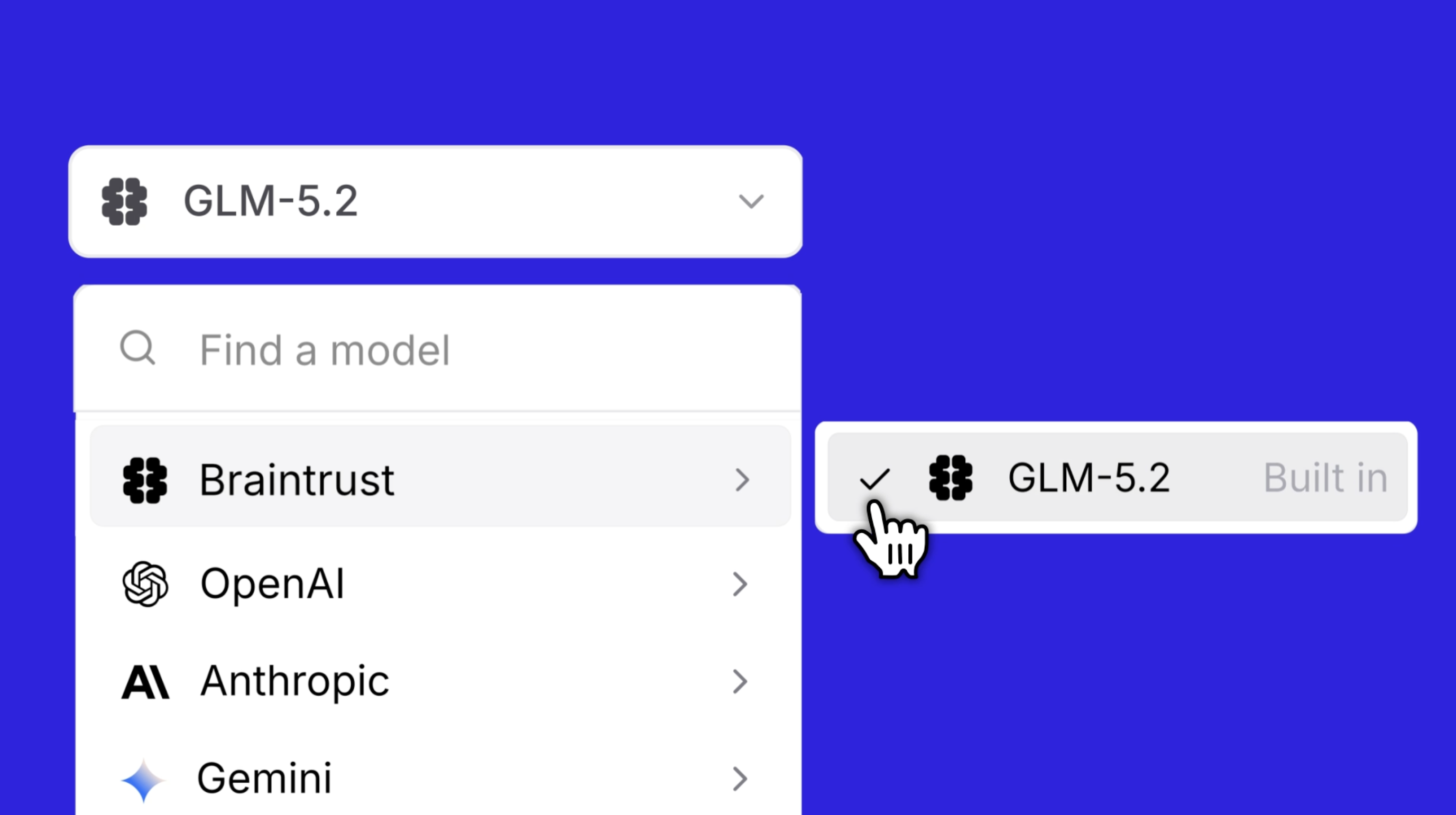
You can also use GLM-5.2 from code. Point the OpenAI or Anthropic SDK at the Braintrust gateway, set the model to glm-5.2, and start sending requests today.
const client = new OpenAI({
  baseURL: "https://gateway.braintrust.dev",
  apiKey: process.env.BRAINTRUST_API_KEY,
});

const response = await client.responses.create({
  model: "glm-5.2",
  input: [{ role: "user", content: "Say hello!" }],
});
Get started
Once GLM-5.2 is running, use Braintrust to measure whether it is good enough for your use case: build an eval to compare it against your current model on your own data, then trace its behavior in production to catch regressions before your customers do.
GLM-5.2 is available to try through July 31. Try it in Braintrust.
Subscribe to the Department of Evals
A newsletter for unfiltered thoughts on eval methodology, analysis, and failures
Subscribe