

Apply tags
Tags categorize and organize traces across your project. Use tags to mark traces for review, indicate status, or group related examples.- UI
- SDK
- Select one or more traces.
- Click Tag in the toolbar.
- Select or create tags to apply.
Tags are configured in project tag settings and shared across all objects — logs, experiments, dataset records, and entire datasets.
Add comments
Comments provide free-form context and explanations. Use comments to explain why a trace succeeded or failed, note patterns or edge cases, share insights with teammates, or document corrections.- UI
- SDK
Open any trace and add comments on the Activity tab:
Mention team members in comments to notify them and draw their attention to specific traces. Type
@ followed by their name and select from the autocomplete dropdown. Mentioned users receive email notifications with direct links to the specific row and comment.Update expected values
Expected values define the correct or ideal output for a given input. Update expected values to provide ground truth for evaluation, document user corrections, specify multiple acceptable answers, or label categorical data.- UI
- SDK
Click any expected field in a trace to edit it directly. You can:
- Enter structured JSON data
- Use form-based editing (if schemas are defined)
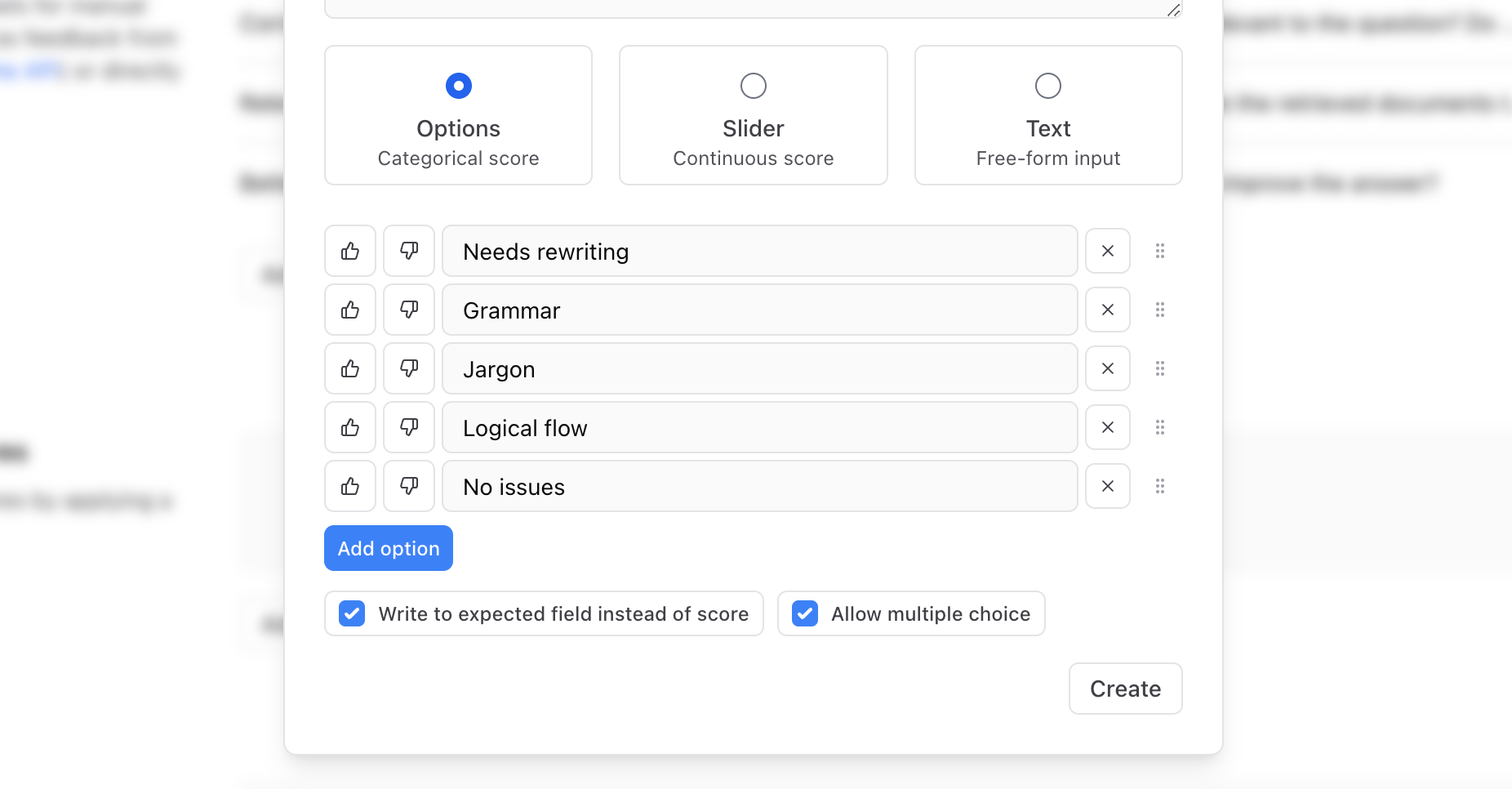
- Write categorical labels via human review scores
-
Copy expected values from other spans
Add metadata
Metadata provides structured context for filtering and analysis. Common metadata includes user IDs and session IDs, feature flags or A/B test variants, geographic or demographic information, request source or client type, and custom business context.- SDK
Add metadata when logging or via feedback:
Filter by annotations
Use filters to find annotated traces:Next steps
- Build datasets from annotated traces
- Add human feedback for structured scoring
- Run evaluations using labeled datasets
- Export data with annotations intact